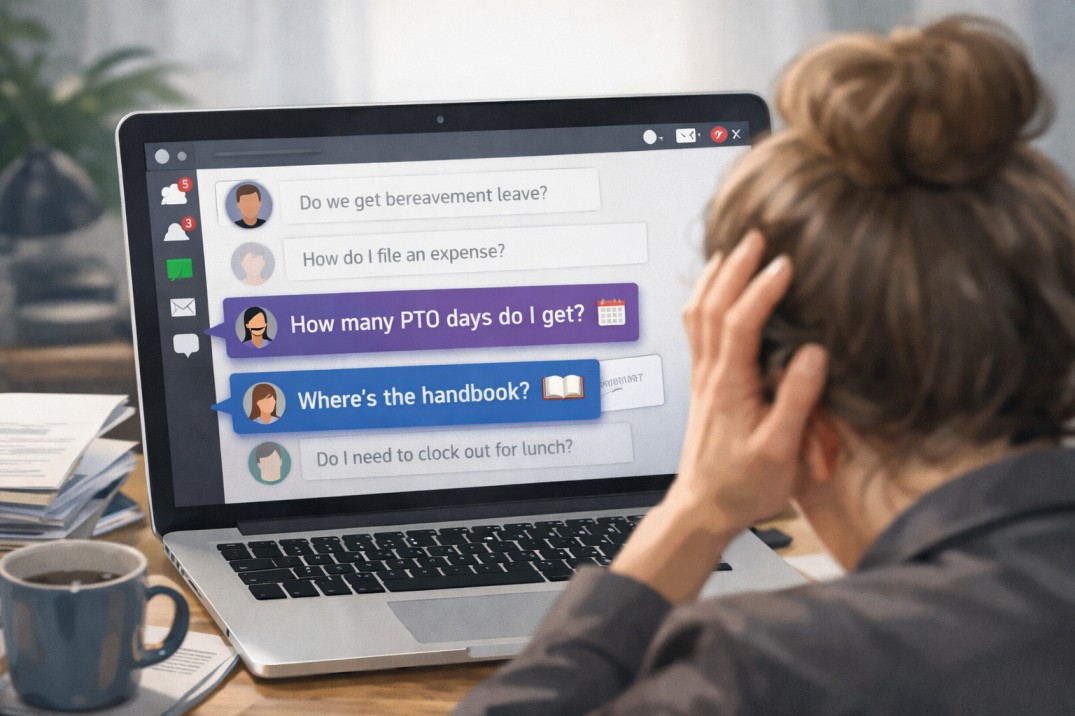
You update the handbook after a law changes, send employees a link, and move on to the next task. Months later, someone asks who saw the update, which version they saw, and whether everyone signed it. The answers are somewhere in email, shared folders, and an old spreadsheet.
If you manage policies across several states or entities, three things matter most in HR compliance software: keeping policies current, tracking employee acknowledgments, and keeping a record of what changed and who saw it. Personalized content, approvals, reporting, and integrations come after that.
This article covers employee handbook compliance: policies, acknowledgments, and records. It does not cover payroll, tax, or benefits administration.
You update the Delaware state parental leave policy, revise your warehouse safety policy, and change the company-wide PTO policy. Then the follow-up begins: Which employees received each version? Who viewed it? Who still needs to acknowledge it?
Employee policy distribution comes down to getting it to the right people, clearly explaining the changes, and tracking acknowledgments in one place. When those stay connected, you’re not rebuilding the story from emails, spreadsheets, and shared folders later.
An auditor asks for proof that your California warehouse team acknowledged an updated meal-break policy last quarter. You open a shared drive, scroll through three versions of a Word doc, and realize the signature spreadsheet only covers your Texas office. That gap between “we sent it” and “we can prove who read what, and when” is where employee handbook software earns its keep.
For HR leaders managing a multi-state workforce, the problem compounds fast. Each jurisdiction layers its own leave, harassment, and wage rules on top of federal requirements. You need a system that tracks every policy variant, every version change, and every employee acknowledgement, then packages that history into reports an auditor can trust. Employee handbook software built for that job replaces the patchwork of PDFs, email threads, and shared drives many teams still rely on.
The three most important employee handbook software features are version control, location-based policy management, and acknowledgment tracking. They come first because they keep policy content accurate, show each employee the rules that apply to them, and document who received, viewed, and signed each version.
Someone updates the PTO policy, then asks which version is current. The answer depends on which document, shared drive, or local file they opened.
At 50 employees, that confusion is manageable. As headcount, locations, and policy owners increase, it gets harder to check by hand. The right software reduces that uncertainty while leaving policy decisions with HR.
You just hired your first employee in California. Now your PTO payout policy, which was perfectly legal in Texas, is a liability on the West Coast. Your meal break language doesn’t match what California requires. And your at-will disclaimer needs a state-specific carve-out you didn’t know existed.
One remote hire in a new state, and you’ve picked up a whole new set of rules your current handbook doesn’t cover. Multiply that by five, ten, twenty states, and the question shifts from “do we need to update?” to “how do we keep this from becoming a full-time job?”
The good news: multi-state handbook compliance doesn’t require separate handbooks for every state. It requires a clear core structure, smart addendums, and employee handbook software that makes location-based differences invisible to the people who don’t need to see them.
US labor laws change dozens to hundreds of times a year at the federal, state, and local level. If tracking those changes is part of your job, it can feel like the whole job. A rule changes in one state, a notice requirement shifts in another city, and suddenly the policies your team relied on last quarter are out of date.
Miss one update and you’ve got a handbook that no longer matches the law, plus legal risk nobody agreed to take on. And knowing a law changed is the easy part. You still have to figure out whether it applies to your organization and what needs to happen next.
If that feels familiar, you’re not alone. Many HR teams pour serious time and effort into creating thoughtful, compliant handbooks, only to discover that employees aren’t actually using them. When employees aren’t reading the handbook, the issue isn’t laziness or resistance, it’s friction.
Maybe the document is hard to access. Maybe it feels overwhelming. Maybe it’s technically accurate but not especially engaging. Whatever the cause, low employee handbook engagement creates real risk. Confusion leads to inconsistent decisions, which can snowball into handbook compliance issues that cost time, money, and trust.
Let’s take a look at 10 clear signs your employees haven’t read your handbook, along with practical fixes for each one.
Most employee handbooks aren’t openly hostile, but many aren’t especially welcoming either.
They’re often packed with legal language, rigid phrasing, and worst-case assumptions about employee behavior. Usually, that language comes from a well-meaning place: copy-pasted statute text, borrowed law firm templates, or attempts to “lock things down” just in case. Other times, it’s simply inertia.
The result is what we’d call adversarial HR policies.
You see it in phrases like “will result in discipline,” “the Company reserves the right,” or “failure to comply may lead to termination.” The tone is transactional and one-sided. HR appears mainly as an enforcement mechanism, not as a guide or partner. This approach can feel safer and more compliant, but in practice it creates distance where clarity was the goal.
Policy language does more than describe rules. It shapes how people respond when something goes wrong. When policies read like contracts instead of explanations, employees are more likely to approach issues defensively or escalate quickly. Managers, meanwhile, may feel boxed in, applying rules mechanically instead of using judgment the law often allows.
Those dynamics carry real costs. Trust erodes. Small issues harden into formal disputes. HR spends more time policing than problem-solving. And while adversarial policies can reduce certain risks, they can also invite others by priming people to treat disagreements as legal problems instead of human ones.
Fixing this doesn’t require sacrificing compliance. It requires translating the law into clear, human language, explaining both employee rights and employer expectations, and writing policies that portray HR teammates as trusted guides who help employees and managers navigate complex compliance terrain.
Your beautiful, branded, and intentionally “fun” PDF handbook project started with the right goals. For many teams, it’s a meaningful upgrade from the staid, legalese handbook employees barely touched. The content feels more human, the design reflects company culture, and the format is familiar. Teams choose PDFs because they know how they work and because a well-designed one genuinely feels more likely to be read (and a heck of a lot more fun to make).
The problem is what happens after that PDF is distributed. From that moment on, the content is frozen. Policies need ongoing updates as laws change, internal practices evolve, and expectations shift. A static file can’t keep up, and neither can a workflow that requires routing changes through a design team. Each update becomes a multi-step process, which encourages teams to delay changes so they can batch them together. In the meantime, employees are referencing information that’s already out of date.
This article breaks down the risks that come with relying on that beautiful PDF handbook with a custom layout, regardless of how polished or engaging it looks. You’ll see how this approach introduces friction, limits visibility, and increases compliance risk. Additionally, you’ll learn how modern HR teams are moving to a more flexible way of managing and sharing their policies (while keeping it on-brand and engaging).
Every HR team knows the routine. You send out a new policy, then spend the next few weeks chasing signatures, sending reminders, and feeling like the “policy police.” It’s necessary work, but it’s not exactly the part of the job anyone looks forward to.
The good news? There’s a smarter way. Modern HR teams are using digital tools and thoughtful design to achieve policy compliance automatically. The right approach turns compliance from a manual task into a seamless process that runs in the background, freeing HR to focus on people instead of paperwork. In this article, we’ll look at seven practical ways to achieve policy compliance without the constant hassle or nagging. From making policies accessible and personalized, to automating reminders and involving managers, you’ll see how the smartest HR teams get it done.