Which Policy Management Software Is Best for Complex Approval Workflows?
For policies that need staged reviewers and approvers, Blissbook is the strongest fit of the six platforms compared here. Its review workflow is organized into named stages, each stage can require approval from one person or from everyone assigned, and every review, approval, and publish is captured in an exportable record. AirMason comes closest, with document approvals and an audit trail. SixFifty, Mineral, and Handbooks.io focus on creating compliant handbook content, and Waybook focuses on manuals and training with read confirmation.
Staged reviews matter more because a policy may need review from HR, legal, department leaders, and executives before it reaches employees. When those reviews happen over email and in separate files, basic questions get hard to answer:
- Which version did legal review?
- Who still needs to approve the policy?
- Did leadership approve the final wording?
- What changed after the last review?
- Which employees received the updated policy?
- Can you show the history during an audit or internal review?
We compared all six platforms, Blissbook included, using only what each company publishes on its website and help center (as of November 2026). If a site doesn’t describe a feature, the product may still have it, so ask about it in a demo.

Why Do Policy Approvals Get Complicated?
Policy approvals get complicated when several groups review the same policy for different reasons, in a set order, and you have to prove later that everyone signed off.
A simple approval is one person saying yes. A complex one usually involves:
- Stages that happen in order, such as HR, then legal, then leadership
- Several reviewers inside one stage, where you need to decide if one approval is enough or if everyone has to agree
- Reviewers with different jobs: some edit, some only comment, and some only approve
- People outside the company, such as outside counsel, who need access to one policy and nothing else
- Many policies moving at once, each with its own owner and approver
- Recurring reviews, because policies need a fresh look every year or when a law changes
- An audit or lawsuit months later, when someone asks who approved what and when
Email and shared drives can handle one or two of these. Once you more, you need software that keeps the stages, the people, and the records in one place.
What Should You Compare in an Approval Workflow?
The features that matter most for complex approvals are named review stages, the right reviewers in each one, and a clear rule for what counts as approved.
When you compare tools, look for:
- Named review stages you can reuse
- Reviewers assigned to each stage, ideally the policy’s owner or approver
- A choice between one approval and everyone approving
- Comments and suggested edits within the policy
- Separate permissions for editing, commenting, approving, and publishing
- Access for outside reviewers that’s limited to the policies they need
- Due dates, plus reminders for reviewers who still owe feedback
- A clear status for every policy
- Version and change history
- Employee acknowledgements tied to the version they read
- An exportable record for audits
Legal review is still needed for the substance and applicability of each policy. Software can organize and document the process, but it can’t replace legal judgment.
How Do the Six Platforms Compare?
| Platform | Built for | Review and approval | Acknowledgements | Change history | Trade-off |
|---|---|---|---|---|---|
| Blissbook | Policy and handbook management for HR, legal, and leadership | Named review stages on individual policies, one or everyone approves. Comments, suggested edits, request changes, and a weekly reviewer digest | E-signatures tied to the version signed, with signature rounds for new versions | Edit-level history, redlines between versions, Data Lineage Reports | Reviews cover Policy Library policies, not whole handbooks, and there’s no self-serve questionnaire for building a handbook |
| AirMason | Branded digital handbooks with automated policy updates | Approval requests on documents, reviewers compare versions, comment, and approve or reject, with an approval audit trail | E-signatures with reminders, tracked by version | Version history and audit trails | Its site doesn’t describe named review stages or a one-versus-everyone approval rule |
| SixFifty | Compliant handbook content built through a guided Q&A, with automated legal updates | Not described on its site | Distribute handbooks and collect signatures | Version history showing who changed what, with revert | Ask how reviews and approvals work before you buy |
| Mineral | A guided handbook builder alongside broader HR compliance tools and HR advisors | Not described on its site | Acknowledgments, with e-signature available as an upgrade | Not described on its site | Review workflow and change history aren’t described |
| Handbooks.io | Generating an attorney-reviewed handbook from a survey | Not described on its site | E-signature capture | A dashboard of law-driven policy updates | Review workflow and change history aren’t described |
| Waybook | Manuals, SOPs, and training, with read confirmation and quizzes | Not described on its site | Read confirmation, with re-acknowledgment after updates | Document versions and named document owners | Review workflow isn’t described |
How Does Each Platform Handle Staged Reviews?
Blissbook
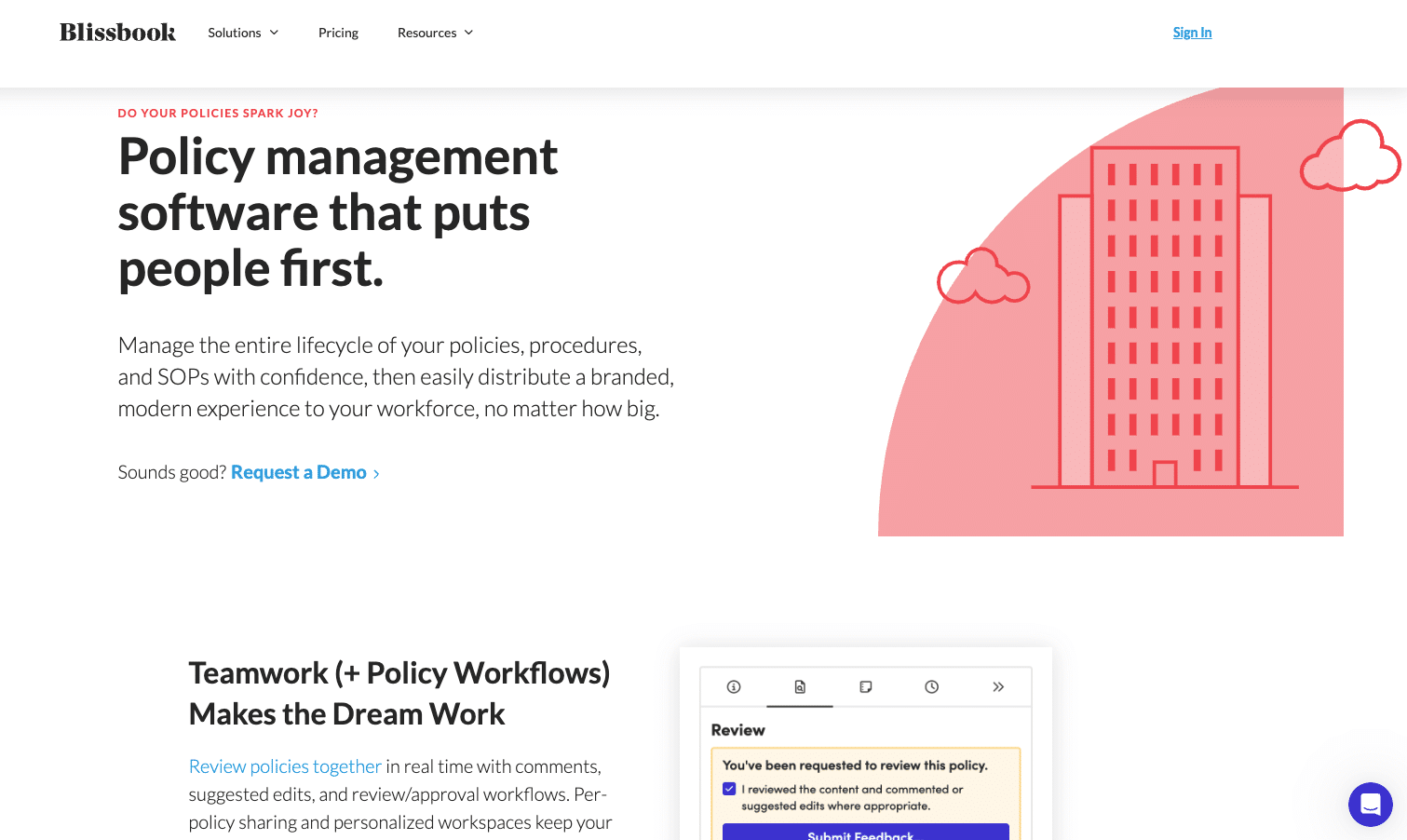
In Blissbook, each stage is a named review: you pick the reviewers, set a due date, add instructions, and decide how many approvals you need.
You can start a review on one policy or select several in the library and start them all at once. If your policies already have people assigned to properties like Owner or Approver, Blissbook suggests those people as reviewers. If every policy has a different approver, you can assign reviewers from a custom property field, and Blissbook will assign each policy to right person. When the review is set up, you choose whether to notify reviewers right away.
A policy that needs HR, legal, and leadership sign-off could go through three reviews called Internal Review, Legal Review, and Leadership Review. When one stage is done, you start the next one, which ends the previous review. Naming reviews lets you filter your library by stage, and you can reuse a recent review the next time the same group needs to weigh in.
Reviewers see an indicator next to each policy that needs their attention and a banner when they open it. They comment, suggest edits, and then submit feedback as Comment, Approve, or Request Changes. A reviewer with comment-only access works in suggesting mode, so nothing changes without someone accepting it. A reviewer can add new feedback while the review is open, and their earlier feedback stays in the activity log.
The policy’s status updates as feedback comes in: In Review, Needs Revision, Approved, or No Decision. Policy library views like “Awaiting my review” and “I asked others to review” show who still owes feedback. Publishing the policy ends the review and resets its status.
The limits are worth knowing. Reviews run on policies in the Policy Library, not on whole handbooks, and the next stage starts when you start it, notautomatically. If you need a handbook built from scratch, Blissbook doesn’t offer a self-serve builder; its team handles the request instead.
Want to see how the Policy Library keeps reviews together? See Blissbook’s policy management software
AirMason
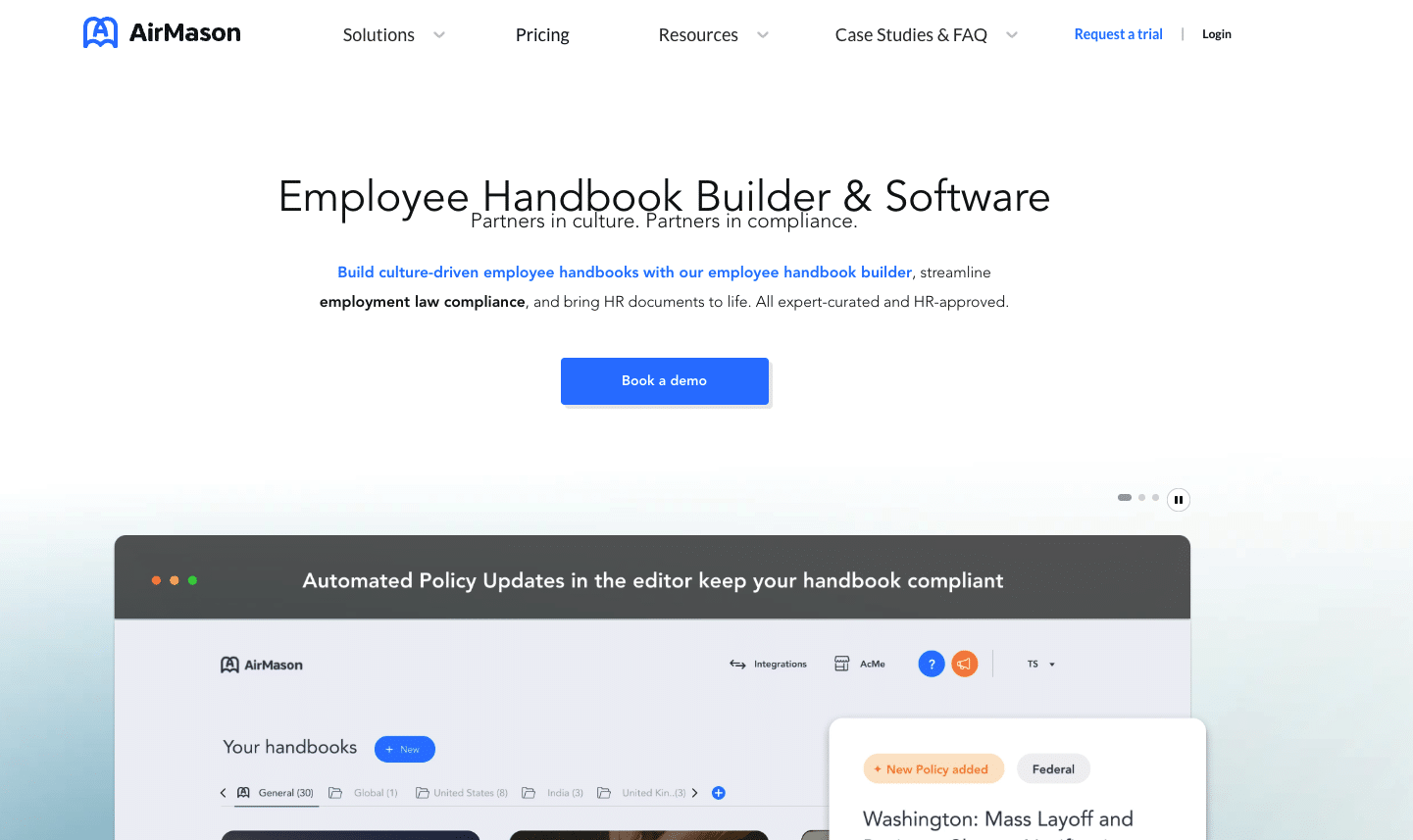
AirMason lets you request approval on a document from team members. Reviewers can view different document versions, add comments, approve or reject changes, and submit their review, and you can see an approval audit trail with each decision and the approvers’ comments.
Approvals happen at the document level, which suits teams that want sign-off on the handbook as a whole. AirMason’s other strengths are branded handbook design, e-signatures with reminders tracked by version, HRIS sync with custom groups and distribution rules, read and completion analytics, and automated policy updates when laws change.
Its site doesn’t describe named review stages or whether a review can require every approver to agree. If your policies go through several rounds, test both in a demo.
SixFifty, Mineral, and Handbooks.io
These three start from compliant content instead of a review process.
SixFifty builds an employee handbook through a guided Q&A, drawing on more than 50 policies tailored to all 50 states and D.C. It suggests redlined legal updates that you accept or reject, keeps a version history of who changed what, and lets you distribute the handbook and collect signatures. It also includes an employment law research library.
Mineral’s guided Smart Employee Handbook builder customizes a handbook to the states where you operate and helps you update it as laws change. It sits inside a broader HR compliance platform that includes access to HR advisors. Acknowledgments are included, and e-signature is available with an upgraded version of the handbook product.
Handbooks.io generates an attorney-reviewed handbook with federal, state, and city policies from a survey. It shows policy updates in a dashboard, captures employee e-signatures, offers a shareable handbook link, and lets you download the handbook as a Word or PDF file.
None of the three describes a staged review or approval workflow on its site. They’re a good fit when the hardest part is writing compliant policies, and a weaker fit when you need several groups to sign off.
Waybook
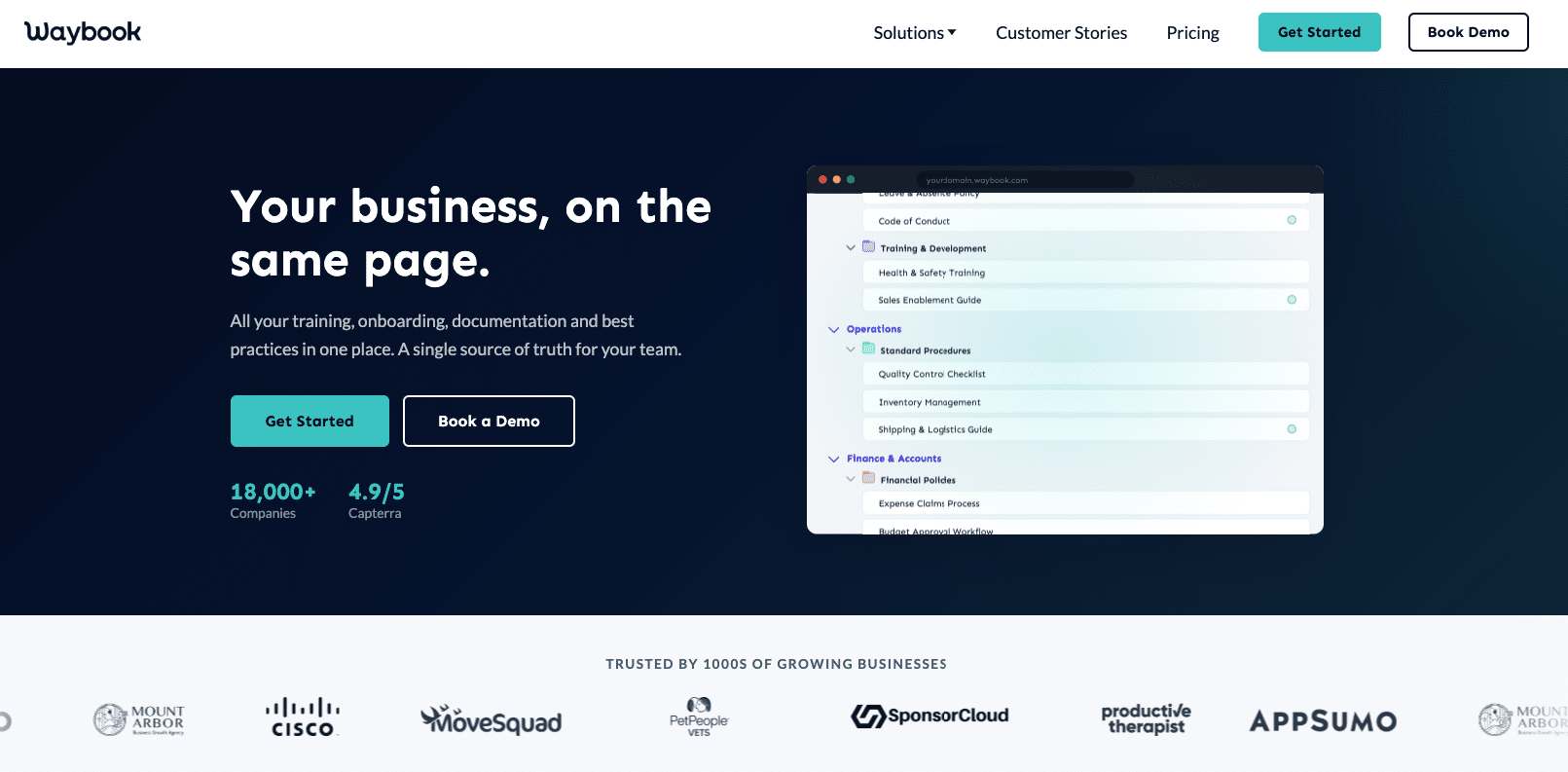
Waybook is built for manuals, SOPs, and training. It tracks who read each document, with the time, date, and person recorded, and asks for re-acknowledgment after an update. You can add quizzes to test understanding, assign document owners, group team members, and notify people when content changes.
Its site doesn’t describe a review or approval workflow, so it suits teams that care most about proving people read and understood a procedure.
Who Should Be Able to Edit, Approve, and Publish?
The people who review a policy shouldn’t automatically be able to publish it, so look for software that separates those permissions.
In a complex workflow, an HR manager might edit a policy, legal might comment and approve, leadership might only approve, and one HR leader decides when it goes live. If everyone can publish, a policy might reach employees before its truly approved.
Blissbook shares each policy, or many policies at once, at one of five levels: Full Access, Publisher, Editor, Commenter, or Viewer. You can share a policy with someone outside the company, like outside counsel, and turn off team-wide access so only named collaborators see a sensitive policy. Only Team Owners, Full Access admins, and Publishers can publish policies, including while a review is open.
When you compare vendors, ask who can approve, who can publish, and whether outside reviewers’ access can be limited.
What Happens When a Review Stalls?
If a reviewer misses the due date or nobody gives a clear decision, your software should make that visible and give you a way forward.
In Blissbook, a review that reaches its due date without meeting your approval rule, and without a request for changes, moves to No Decision. You can then start a new review, publish if you have permission, or end the review manually. Org Admins can turn on a weekly Monday-morning digest that reminds reviewers which policies are still waiting on them.
When you test other platforms, let a due date pass on purpose and see what happens. Check whether reviewers get a reminder, whether the policy’s status changes, and whether you can see who’s holding it up.
How Do You Keep Policies on a Review Cycle?
Policies need a fresh review on a schedule and whenever a relevant law changes, so the approval workflow should connect to both.
Blissbook lets you set when each policy expires, like every January 1, and who’s responsible for renewing it. When a policy expires, Blissbook flags it in the library and reminds that person every week until it’s renewed. Its Law Change Tracker follows enacted employment laws at the federal, state, county, and city level and flags the changes likely to affect policy content.
AirMason, SixFifty, and Handbooks.io all describe automated updates when employment laws change, and Mineral describes updating the handbook as laws change. If you need scheduled reviews as well as law-driven updates, ask how each one handles a policy that’s due for its annual review with no law change behind it.
How Should You Test an Approval Workflow?
The most reliable way to test an approval workflow is to run a real policy through several rounds of review in a demo, not to check boxes on a feature list.
Pick a policy that needs HR review, legal review, and leadership approval, give each stage a clear name, and assign reviewers. Then check whether the software can tell the difference between:
- One reviewer approving a stage
- Everyone assigned to a stage approving
- A reviewer requesting changes
- A reviewer commenting without blocking the review
- A missed due date
- A final approval and publication
“In progress” isn’t enough of a status. You should be able to tell whether a policy is waiting on a reviewer, waiting on edits, approved, or ready to publish.
Ask a couple of your reviewers to try it too. If they can comment on a section, suggest new wording, approve without changes, and request changes without a training session, you’ve found software they’ll actually use.
These questions help you compare vendors on the same terms:
- Can a review require one approval, or every reviewer’s?
- Can I name stages and reuse them for the next policy?
- Can each policy automatically get its own reviewers?
- Can an outside reviewer see one policy and nothing else?
- Who can publish while a review is still open?
- What happens to the policy’s status when a due date passes?
- Can I export the review history for one policy, or many, for an auditor?
What Should the Audit Trail Show?
An audit trail for policy approvals should show what changed, who made the change, who reviewed it, who approved it, and which version was published.
Blissbook keeps one record of every policy change, including who made each edit and when, suggested edits, and a redline comparison of any two published versions. Each version can carry a release note so other admins know why it changed.
Data Lineage Reports turn that record into a PDF for up to 30 policies at once. You choose the timeframe and which versions to include (the current one, major releases, or every release), then add the full text or just the changes, release notes, properties, activity, review history, and annotations. The review history shows each review round, reviewer statuses, approvals, and due dates. Presets cover SOC 2 Type I and II, SOC 1 Type II, ISO 27001, and GDPR, or you can save your own template, so you can hand an auditor a clean record when they ask.
Getting ready for your next audit? Blissbook for compliance records and audit trails
How Do Approvals Connect to Employee Acknowledgements?
An approved policy still has to reach the right employees, and you need proof that they signed it.
Employees only ever see the latest published version in Blissbook. Personalized content means each person sees the policies that apply to them, based on HRIS fields like state or department. When you publish a change, you can add annotations to the changed text so employees see what’s new since they last looked, instead of rereading the whole policy.
When a new version needs new signatures, you start a new signature round. Blissbook records who signed, when, which version, which language, and the exact personalized content they saw.
Which Platform Fits Which Team?
The right platform depends on which part of the policy process takes the most work for your team.
- Choose Blissbook if your policies go through several review stages, you need different reviewers for different policies, and you have to show auditors who approved each version.
- Choose AirMason if you want approvals on the handbook as a whole, alongside branded design and automated policy updates.
- Choose SixFifty if writing compliant multi-state policies is the hardest part and you want guided questions and legal update suggestions.
- Choose Mineral if you want a handbook builder as part of a broader HR compliance service with HR advisors.
- Choose Handbooks.io if you need an attorney-reviewed handbook generated quickly and are happy to download it as a Word or PDF file.
- Choose Waybook if your main goal is training people on procedures and proving they read and understood them.
Policy Management Software for Complex Approval Workflows FAQs
What Is the Best Policy Management Software for Complex Approval Workflows?
Blissbook is the strongest fit of the six platforms compared here for staged reviews, because it runs named review stages, lets you require one approval or everyone’s, shows each policy’s status, and exports the review history for audits. AirMason also supports document approvals with an audit trail, while SixFifty, Mineral, Handbooks.io, and Waybook focus more on content or read tracking than on review workflows.
What Is the Difference Between Handbook Software and Policy Management Software?
Handbook software helps HR create, publish, and distribute employee guidance. Policy management software adds ongoing policy ownership, review workflows, version history, approvals, and audit records. Some platforms combine both categories, while others focus on one.
Which Platform Is Best When Legal Content Matters Most?
SixFifty, Mineral, and Handbooks.io are built around creating compliant handbook content through guided questions, so they’re worth a look when writing the policies is your biggest job. Blissbook offers more than 300 model policy templates and law change tracking, but its main strength is reviewing, publishing, and tracking policies once they exist.
Can Policy Management Software Handle Legal and Leadership Review?
Policy management software can handle legal and leadership review if it supports named stages, assigned reviewers, comments, suggested edits, requested changes, and a clear approval status. Test whether each stage can require one reviewer or every reviewer to approve.
Can Outside Counsel Review Policies Without Seeing Everything?
Outside counsel can review a single policy in Blissbook, because each policy is shared on its own at a chosen access level, such as Commenter. Ask other vendors whether outside reviewers can be limited to specific policies.
How Often Should Policies Go Through Review?
Set a regular review cycle, such as once a year, and review a policy again whenever a relevant law changes. Software that tracks expiration dates and law changes keeps those reviews from depending on someone’s memory.
What Should an Audit Record Show?
An audit record should show the policy version, the changes made, dates, reviewers, approvers, and publication activity. Legal review is still needed to decide whether the policy itself meets your organization’s requirements.

Kamila Lipska
Kamila Lipska is a growth and digital marketing specialist with over 15 years of experience in SaaS and technology. At Blissbook, she focuses on making employee handbook, compliance, and HR communication topics easier to understand, using customer insights, search data, and real-world questions to create practical, useful content.