An employee signs into company email from a personal phone, saves a work file to a laptop, and leaves the company months later. Now HR and IT have to figure out: What data was on that device? Could the company remove it? Did the employee ever agree to specific rules?
A useful BYOD policy answers those questions before they become an offboarding problem. Start with who the policy covers, the security steps employees have to follow, and what the company can access on a personal device. Then outline the approved tools, reimbursement and offboarding rules, and make sure every covered employee reads and acknowledges it.
An employee suddenly resigns, but your handbook says little more than “give two weeks’ notice.” Or a manager asks what happens next after an involuntary termination, and you have to pull the process together from old emails, payroll instructions, and a policy document no one remembers approving.
A useful termination policy answers those questions before the separation meeting. Your policy needs to explain voluntary and involuntary separation, and detail any other processes employees should follow, like returning company equipment. You’ll also want to make sure employees acknowledge the current policy. You can use the outline below to build the separation section of your employee handbook.
You approve a pay change, a manager approves overtime, Finance approves an expense, and an employee signs a payroll deduction form. If nobody can explain who had authority to approve each action, HR ends up sorting out the confusion after the fact.
This article covers how to build an HR authorization policy: who approves which decisions, which authorizations HR collects from employees, and how to get the policy acknowledged. It doesn’t cover the legal requirements for specific forms, such as state payroll deduction rules or Form I-9 steps.
You have a policy deadline on Friday, but the draft is already spread across an old handbook, a manager’s document, and a legal memo. Nobody agrees which version is current, and employees still need something they can understand.
The best way to write HR policies is to work through three things in this order:
Define what the policy needs to cover.
Write it in plain language with a consistent structure.
Create a reliable process for review, approval, publishing, acknowledgements, and updates.
The order matters. A polished policy with the wrong scope still creates confusion. A legally reviewed policy that employees can’t understand won’t guide daily decisions. And a clear policy that never gets approved, published, or reviewed will become outdated.
A remote work policy answers the questions employees would otherwise take to their manager: who can work remotely, how to ask, when to be online, what the company pays for, and how to protect company data. If you allow hybrid work, it also covers office days. Then publish it in an online employee handbook, where employees can read the current version and acknowledge it.
Without a written policy, a simple question (can I work from another state for two weeks?) sends you searching through old emails for the answer.
US labor laws change dozens to hundreds of times a year at the federal, state, and local level. If tracking those changes is part of your job, it can feel like the whole job. A rule changes in one state, a notice requirement shifts in another city, and suddenly the policies your team relied on last quarter are out of date.
Miss one update and you’ve got a handbook that no longer matches the law, plus legal risk nobody agreed to take on. And knowing a law changed is the easy part. You still have to figure out whether it applies to your organization and what needs to happen next.
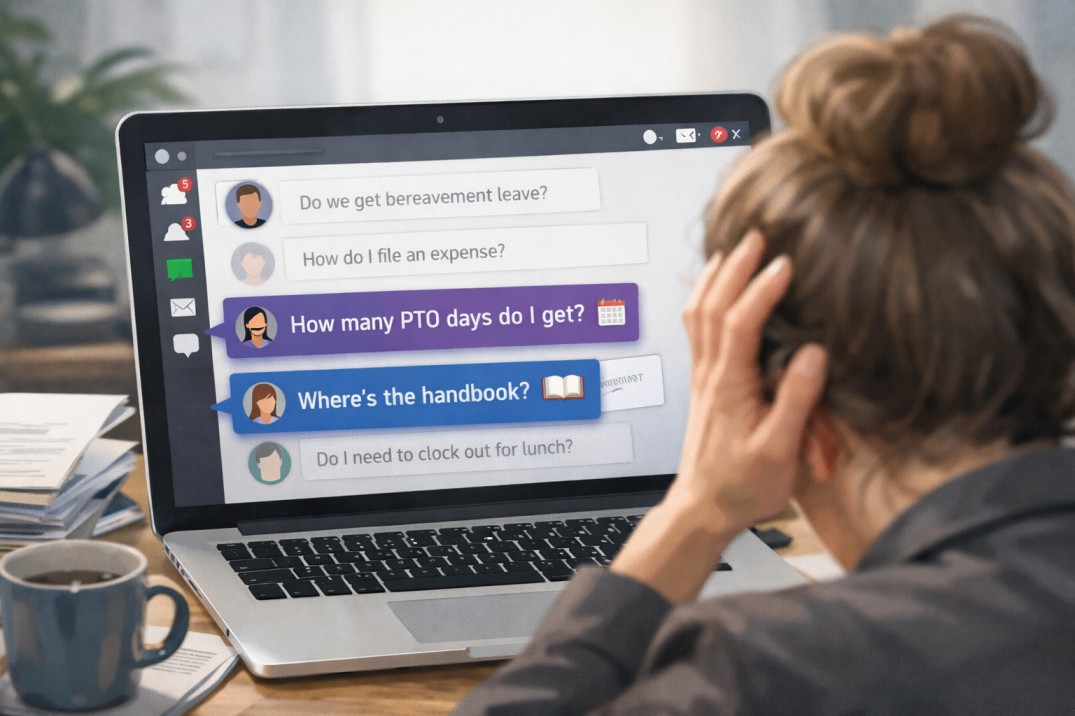
If that feels familiar, you’re not alone. Many HR teams pour serious time and effort into creating thoughtful, compliant handbooks, only to discover that employees aren’t actually using them. When employees aren’t reading the handbook, the issue isn’t laziness or resistance, it’s friction.
Maybe the document is hard to access. Maybe it feels overwhelming. Maybe it’s technically accurate but not especially engaging. Whatever the cause, low employee handbook engagement creates real risk. Confusion leads to inconsistent decisions, which can snowball into handbook compliance issues that cost time, money, and trust.
Let’s take a look at 10 clear signs your employees haven’t read your handbook, along with practical fixes for each one.
Your beautiful, branded, and intentionally “fun” PDF handbook project started with the right goals. For many teams, it’s a meaningful upgrade from the staid, legalese handbook employees barely touched. The content feels more human, the design reflects company culture, and the format is familiar. Teams choose PDFs because they know how they work and because a well-designed one genuinely feels more likely to be read (and a heck of a lot more fun to make).
The problem is what happens after that PDF is distributed. From that moment on, the content is frozen. Policies need ongoing updates as laws change, internal practices evolve, and expectations shift. A static file can’t keep up, and neither can a workflow that requires routing changes through a design team. Each update becomes a multi-step process, which encourages teams to delay changes so they can batch them together. In the meantime, employees are referencing information that’s already out of date.
This article breaks down the risks that come with relying on that beautiful PDF handbook with a custom layout, regardless of how polished or engaging it looks. You’ll see how this approach introduces friction, limits visibility, and increases compliance risk. Additionally, you’ll learn how modern HR teams are moving to a more flexible way of managing and sharing their policies (while keeping it on-brand and engaging).
Every HR team knows the routine. You send out a new policy, then spend the next few weeks chasing signatures, sending reminders, and feeling like the “policy police.” It’s necessary work, but it’s not exactly the part of the job anyone looks forward to.
The good news? There’s a smarter way. Modern HR teams are using digital tools and thoughtful design to achieve policy compliance automatically. The right approach turns compliance from a manual task into a seamless process that runs in the background, freeing HR to focus on people instead of paperwork. In this article, we’ll look at seven practical ways to achieve policy compliance without the constant hassle or nagging. From making policies accessible and personalized, to automating reminders and involving managers, you’ll see how the smartest HR teams get it done.
Writing employee policies often feels like a tug-of-war. On one side, HR wants efficiency: one master document that’s simple to update and share. On the other, employees want clarity: a streamlined handbook that only shows them the policies relevant to their role, location, or situation. What makes life easier for admins often makes life harder for employees, and vice versa.
Traditional tools don’t make this any easier. You either end up with a single, bloated doc stuffed with every possible policy, or you’re juggling multiple versions to accommodate different employee groups. Neither option really works. One leaves employees unsure of what applies to them, and the other creates chaos for HR; managing duplicate updates, trying to keep track of which file or folder employees should use, and dealing with the inevitable human error that comes from version sprawl.
But the old trade-off isn’t necessary anymore. Modern handbook software bridges the gap, delivering the personalization employees need without creating version-control chaos for HR. With Blissbook, you can manage a single source of truth for each policy, then deliver personalized, up-to-date handbooks that make sense for every employee. Everyone gets what they need, and nobody gets lost in the shuffle.